Download Opal.
The full game engine, as a desktop app.
Download for macOS
macOS 13+ · Apple silicon
alpha-2.6.135 · Desktop editor with cloud sync
Download Opal Desktop · 228 MB
SHA-256: 21613fdcec9803cbec8e04f20ddf41aaaadd477c43c6c50bf621ae5302a593da
Open the disk image, drag Opal Desktop to Applications, then open Opal.
Download for Linux
Ubuntu 24.04 (x64) · 64-bit Intel / AMD
alpha-2.6.135 · Desktop editor with cloud sync
Download Ubuntu (.deb) · 193 MB
SHA-256: 7d1fbcaaa4613af82f316e077cd5f36c22cb8574232d3651fae9c08ef6ca36de
Open the .deb with your system package installer. Enable the system keyring for cloud sign-in.
Download for Windows
Windows x64 preview (verified on Server 2025) · 64-bit Intel / AMD
alpha-2.6.135 · Desktop editor with cloud sync
Download Opal Desktop · 205 MB
SHA-256: 248a1ff9250713f857efd63cda28620803a0e0921d7e3f2483b75939a9acd59f
Run the installer and follow its instructions.
Prefer to start on the web?
No download needed — open the editor in your browser and start building. Your projects carry over to the desktop app whenever you want it.
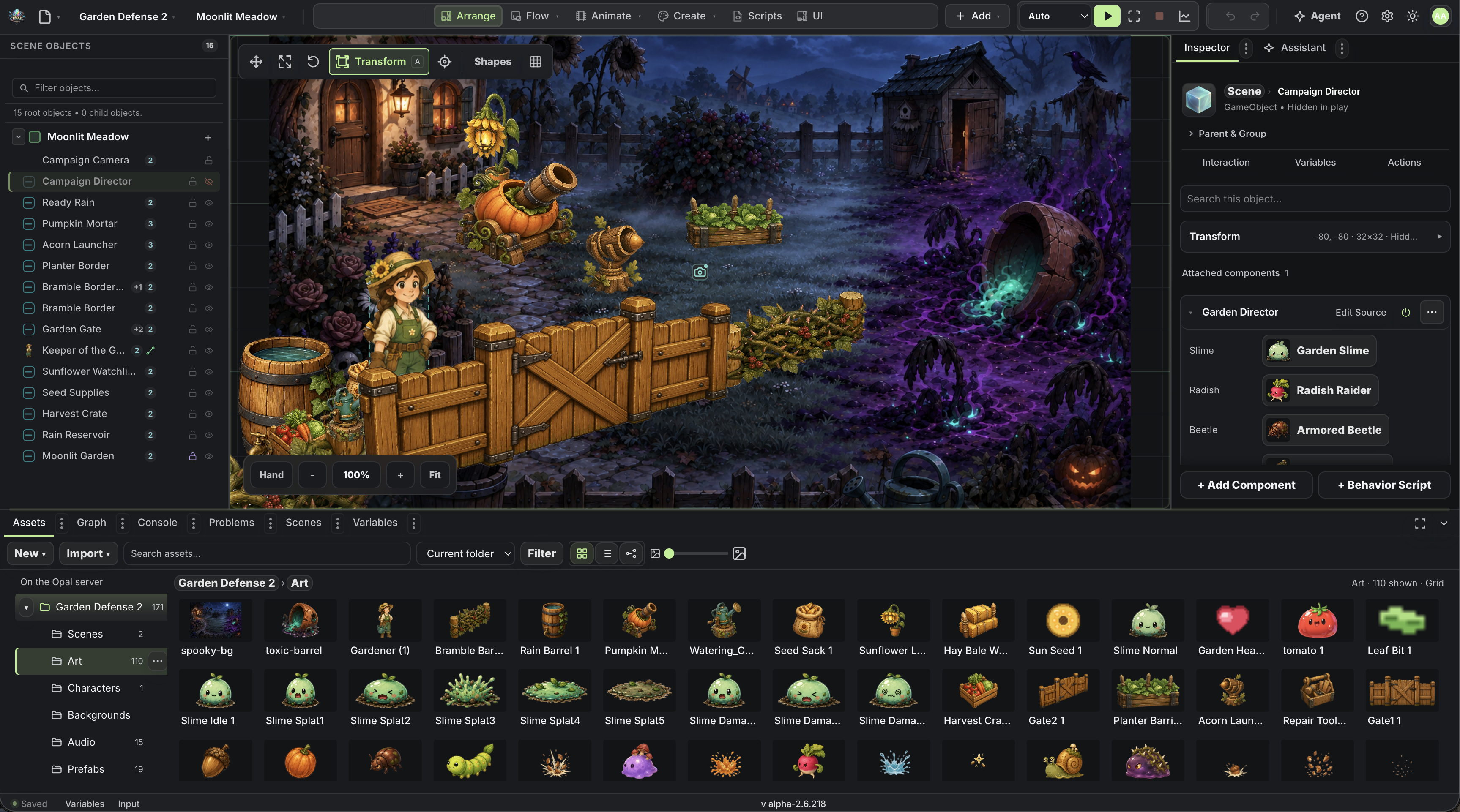
Desktop and web stay in sync
- Build in the desktop editor.
- Send a project to the cloud with File → Cloud Sync.
- Open it in the browser and keep going — or sync it back later.
What's inside
The desktop app is the full Opal editor — scenes, Flow visual scripting, physics, animation, and sound in one project.